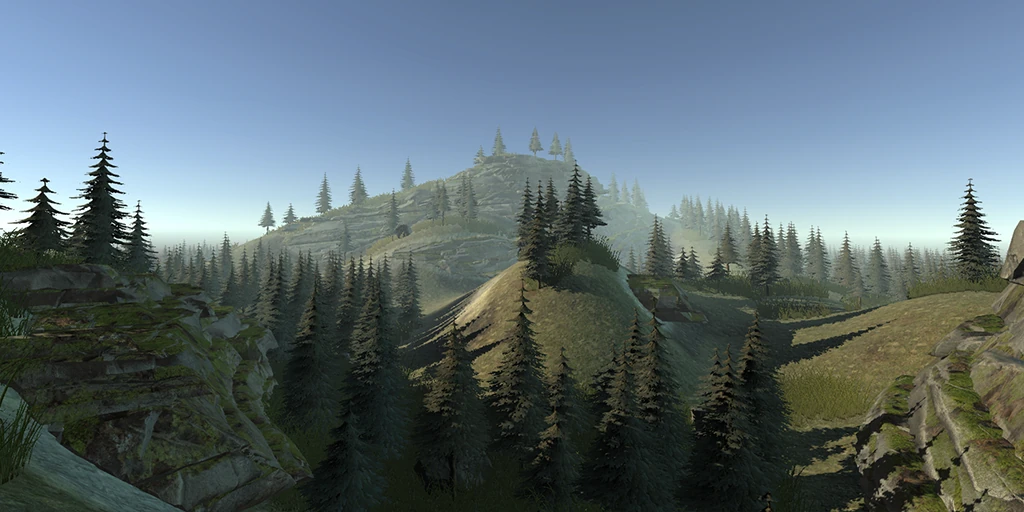
Procedural Landscape Tool
A tight Houdini Engine integration into Unity's native terrain.
Overview
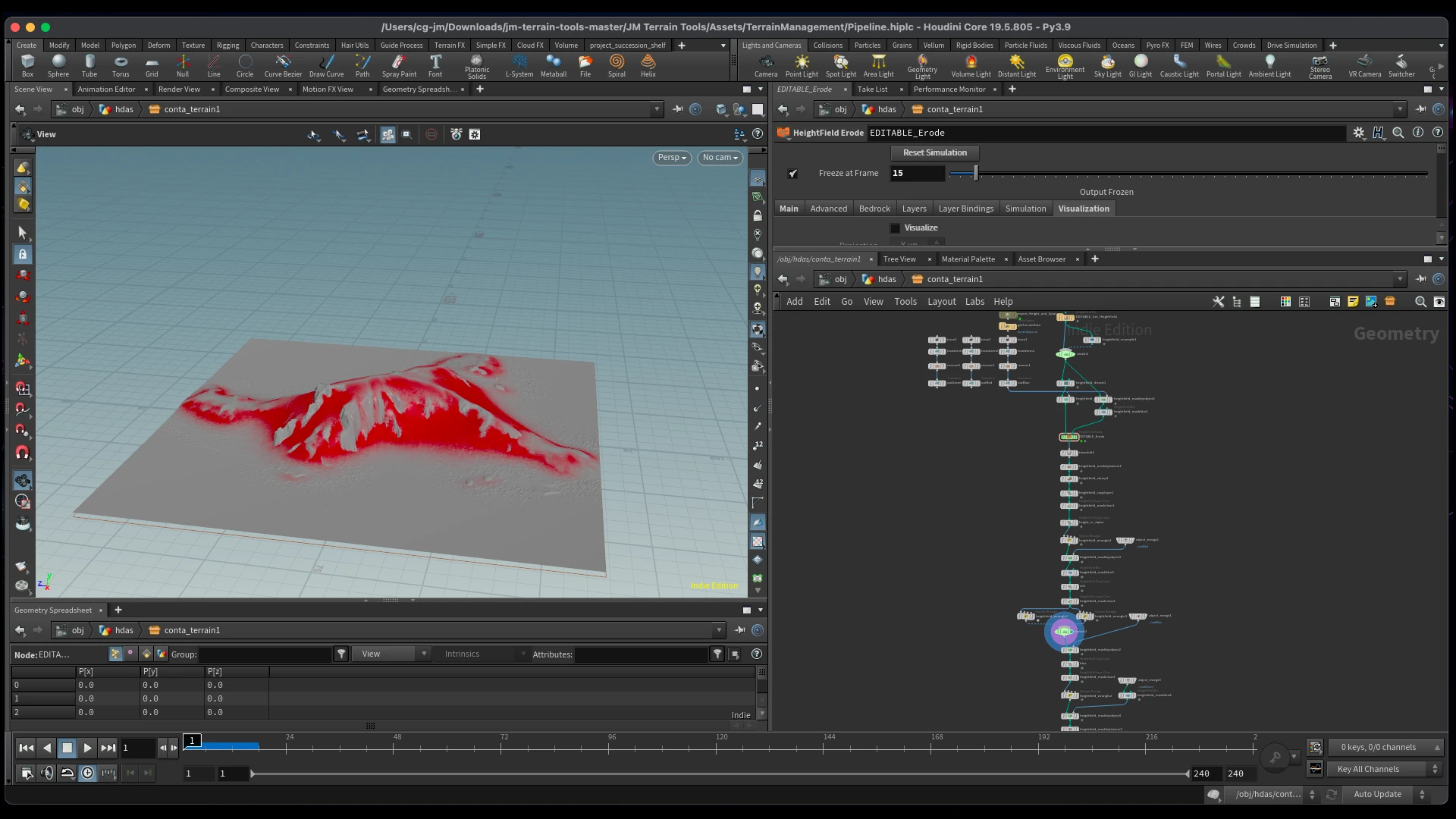
This project is heavily inspired by the Ubisoft GDC Talks. It is an integration of the Houdini Engine into Tool Development and the native Terrain System in Unity. The Tool takes the user inputs from the terrain like heightmaps or painting and improves those with Houdini.
Gallery
Deep Dive
The whole tool is one round trip: hand Unity’s native terrain to Houdini, let an HDA erode and dress it, then bring the result back, all without the artist ever leaving the terrain inspector. Three pieces make that loop work.
Turning a Unity terrain into files Houdini can read
Unity keeps its terrain as plain float arrays. To get them into Houdini losslessly, each channel is packed into a 32-bit EXR, with the height array copied straight into RGB so it survives as real elevation data, not an 8-bit grayscale approximation:
float[,] rawHeights = terrainData.GetHeights(0, 0, res, res);
var heightMap = new Texture2D(res, res, TextureFormat.RGBAFloat, false);
for (int x = 0; x < res; x++)
    for (int y = 0; y < res; y++)
        heightMap.SetPixel(x, y, new Vector4(rawHeights[y, x], rawHeights[y, x], rawHeights[y, x], 1));
heightMap.Apply();
File.WriteAllBytes(path, heightMap.EncodeToEXR());   // 32-bit float, lossless
Height, splatmaps, holes and details each export the same way, and a CSV manifest ties them together: every file path plus the terrain’s resolution, world size and bounding height. That manifest is the entire contract between Unity and Houdini, one text file the HDA reads to rebuild the terrain on its side. It’s also versioned; original and preWater copies are written alongside the working set, so erosion and water can always be re-derived from a clean base instead of stacking destructively.
Driving the cook from inside Unity
Houdini Engine cooks asynchronously, so the pipeline is event-driven. The same handler that configures the HDA is also registered as its cooked callback, so it re-enters itself once per terrain, walks the whole queue, then unregisters and hands off to the importer:
void TerrainProcessEvent(HEU_HoudiniAsset asset, bool success, List<GameObject> output) {
    if (terrainManagers.Count > terrainCounter) {             // terrains still queued
        string csvFile = buffer + "/terrainData.csv";
        HEU_ParameterUtility.SetString(asset, "file", csvFile);        // feed the manifest to the HDA
        HEU_ParameterUtility.SetFloat(asset, "contrast", heightmapContrast);
        terrainCounter++;
        asset.RequestCook(false, true, true, true);           // async; re-enters here when cooked
    }
    else {                                                    // queue drained
        asset._cookedEvent.RemoveListener(TerrainProcessEvent);
        terrainCounter = 0;
        ImportTerrains();
    }
}
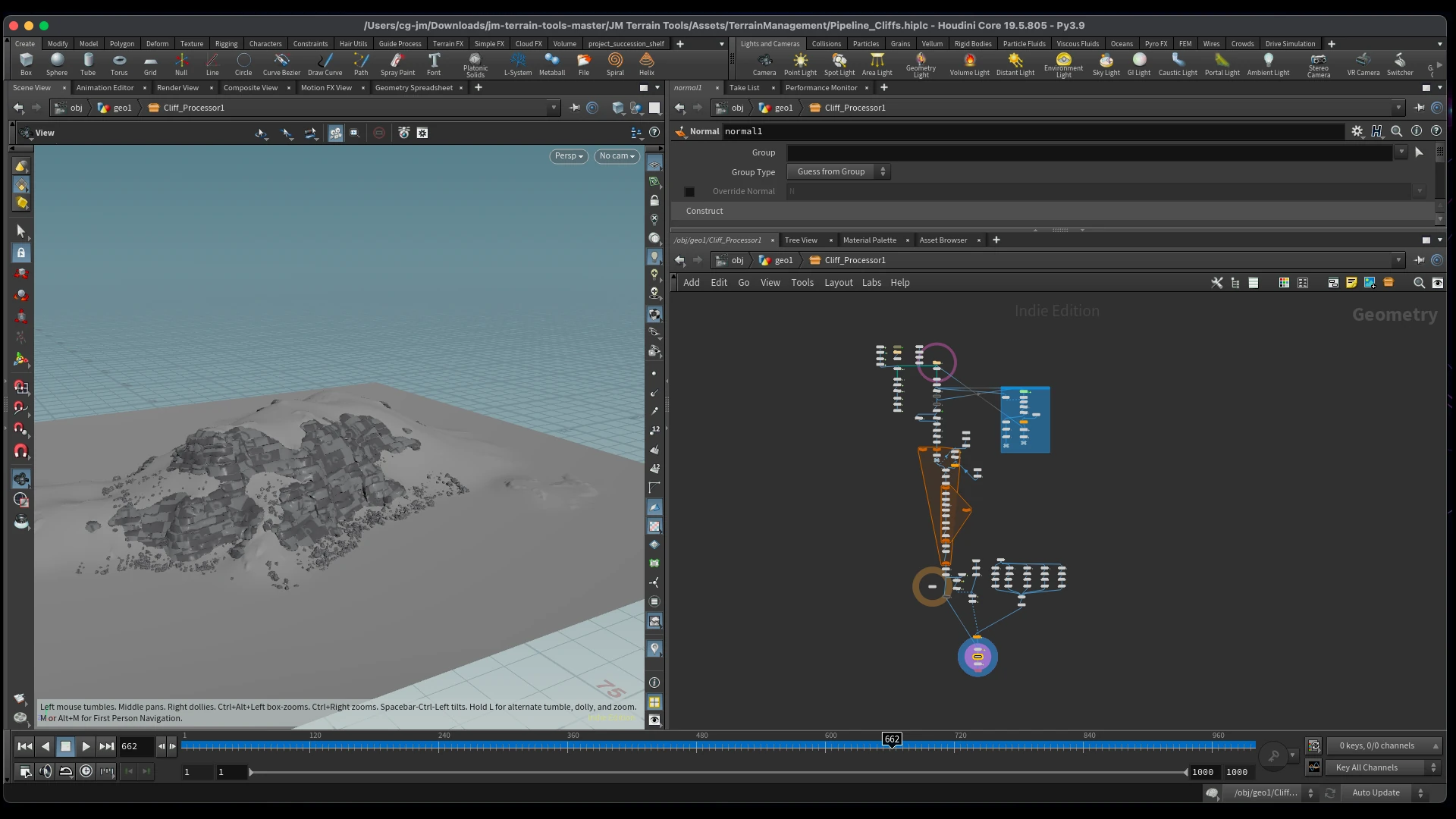
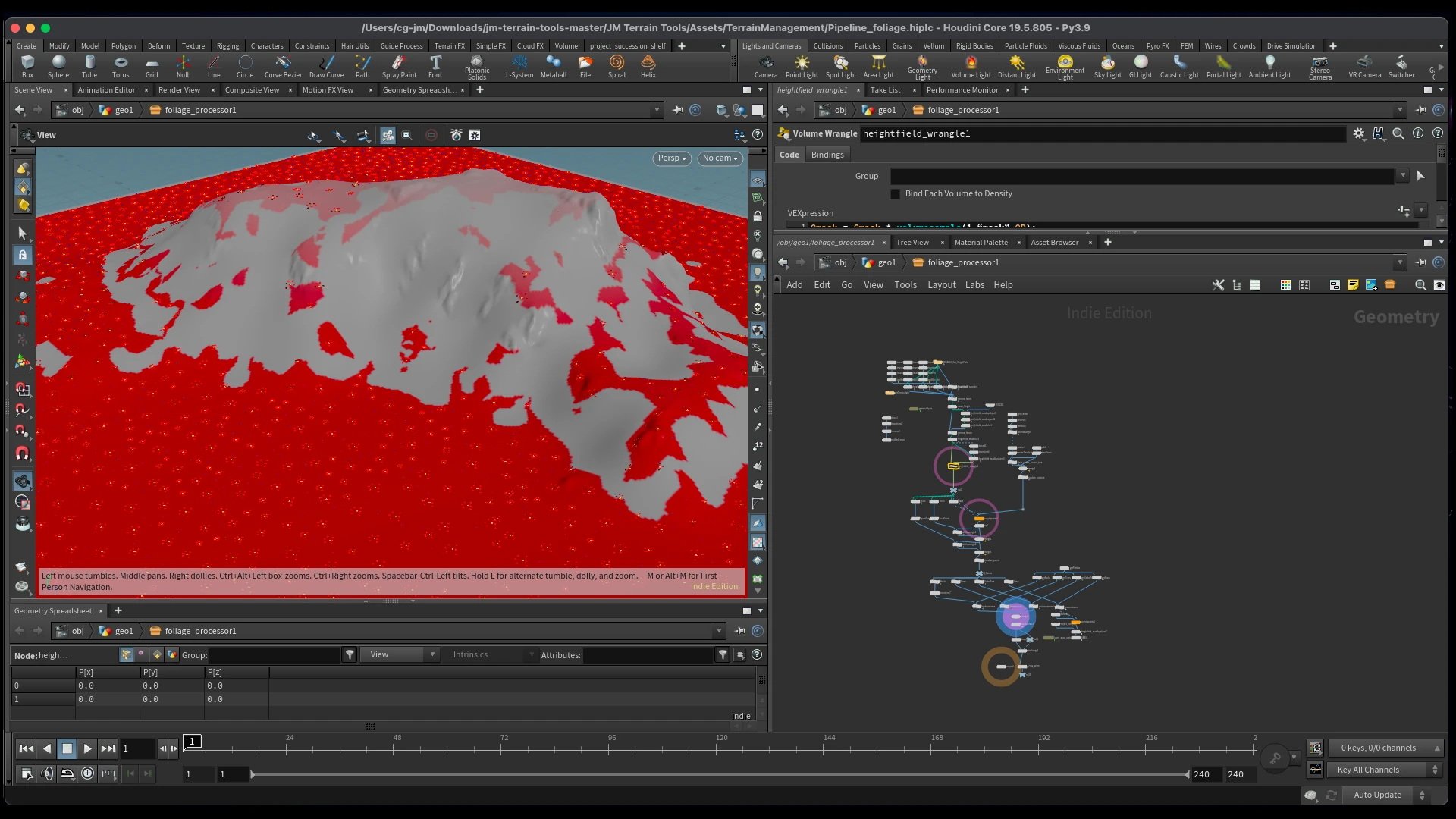
Each processor (terrain, cliffs, water, foliage) is its own HDA with its own handler, chained the same way, so a single button press fans a batch of terrains through the full erosion-to-dressing sequence.
Closing the loop: Houdini points become Unity instances
Foliage never comes back as geometry. It comes back as a point cloud in CSV form, with Houdini’s native point attributes as columns: P.x/y/z, an orient quaternion, pscale, and a unity_instance path telling Unity which prefab each point represents. Import is just reading that scatter back and instantiating prefabs at the transforms Houdini decided:
string[] column = data[i].Split(',');
GameObject prefab = AssetDatabase.LoadAssetAtPath(column[8], typeof(GameObject)) as GameObject;  // unity_instance
PrefabUtility.InstantiatePrefab(prefab, foliageParent.transform);

prefab.transform.localPosition = new Vector3(xpos, ypos, zpos);           // P
prefab.transform.localRotation = new Quaternion(xrot, yrot, zrot, wrot);  // orient
prefab.transform.localScale    = new Vector3(scale, scale, scale);        // pscale
Because scattering lives in Houdini but the result is real Unity prefab instances, artists get procedural placement they can still hand-tweak afterwards: the best of both worlds, and the reason the whole thing is built as a round trip rather than a one-way bake.