Enigma 3D
A 3D graphics API and game engine, written in Rust.
Overview
enigma-3d is my first attempt to do a little graphics API and game engine for Rust. Please be aware that I’m not a professional graphics programmer, so the code is most likely butchering some conventions. I also don’t take care of performance at the moment. That said, I have a broad feature set working.
My role: Sole author; I designed and built the entire engine, its render pipeline, and a small editor written in enigma-3d itself.
Gallery
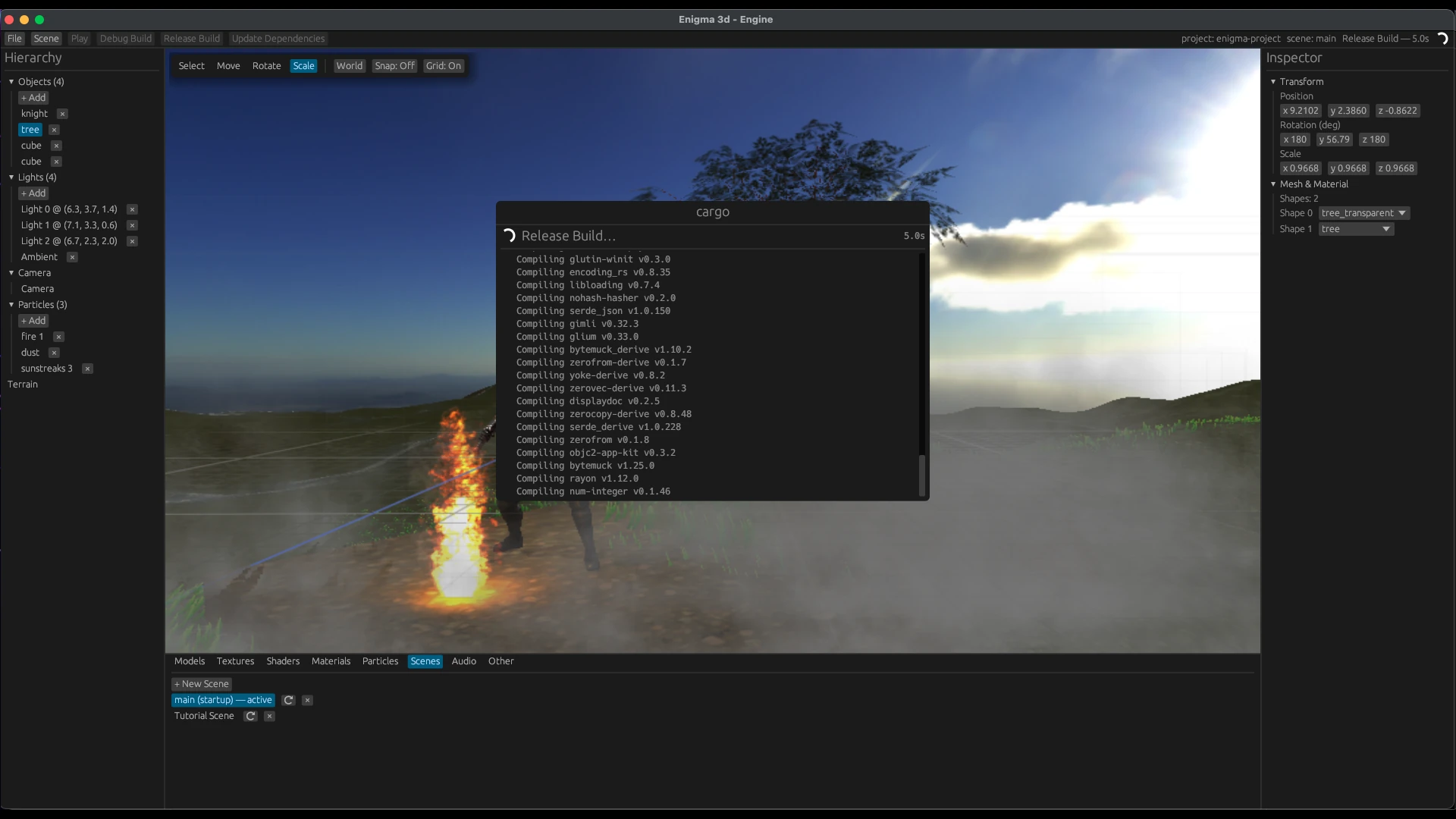
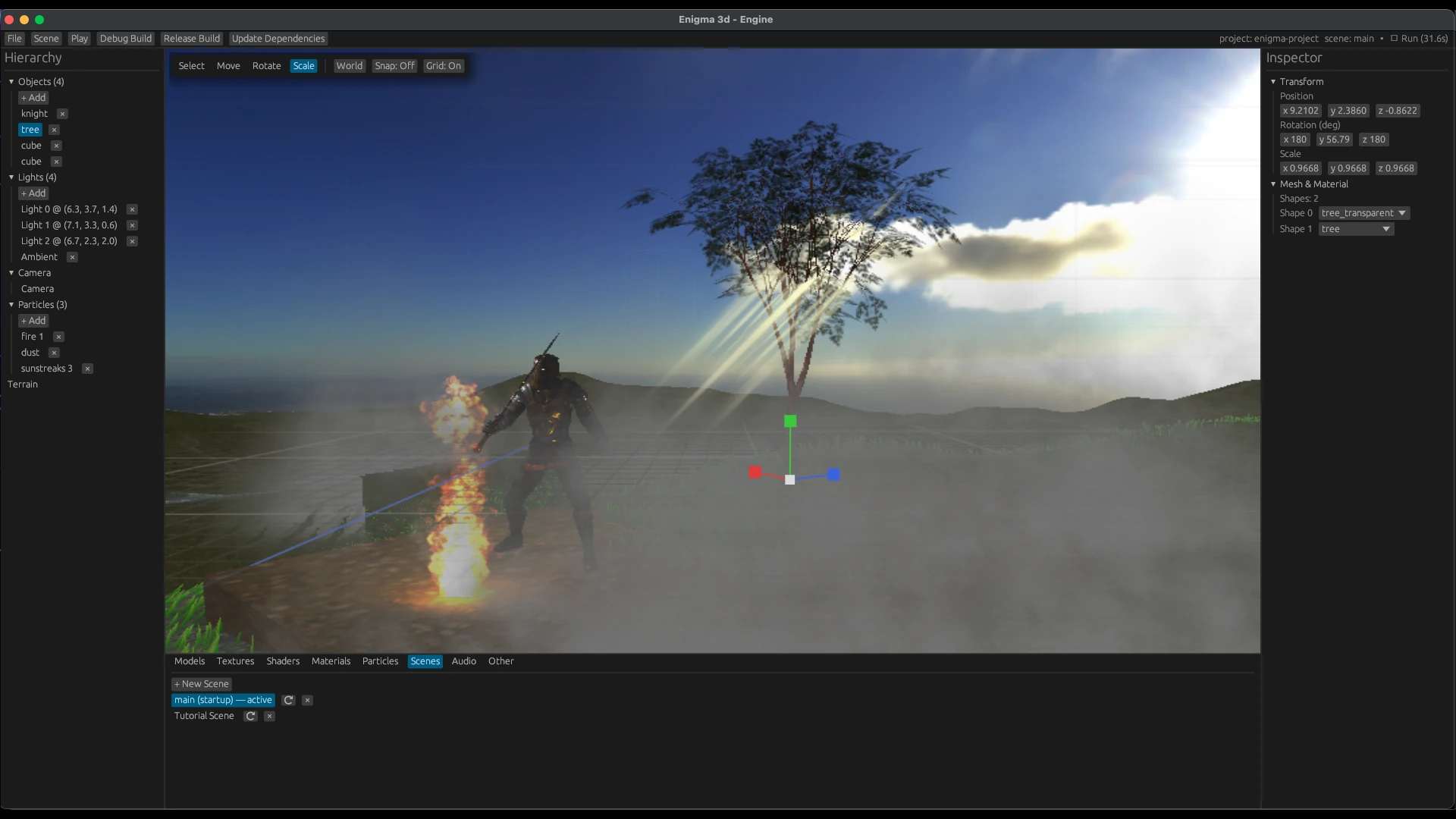
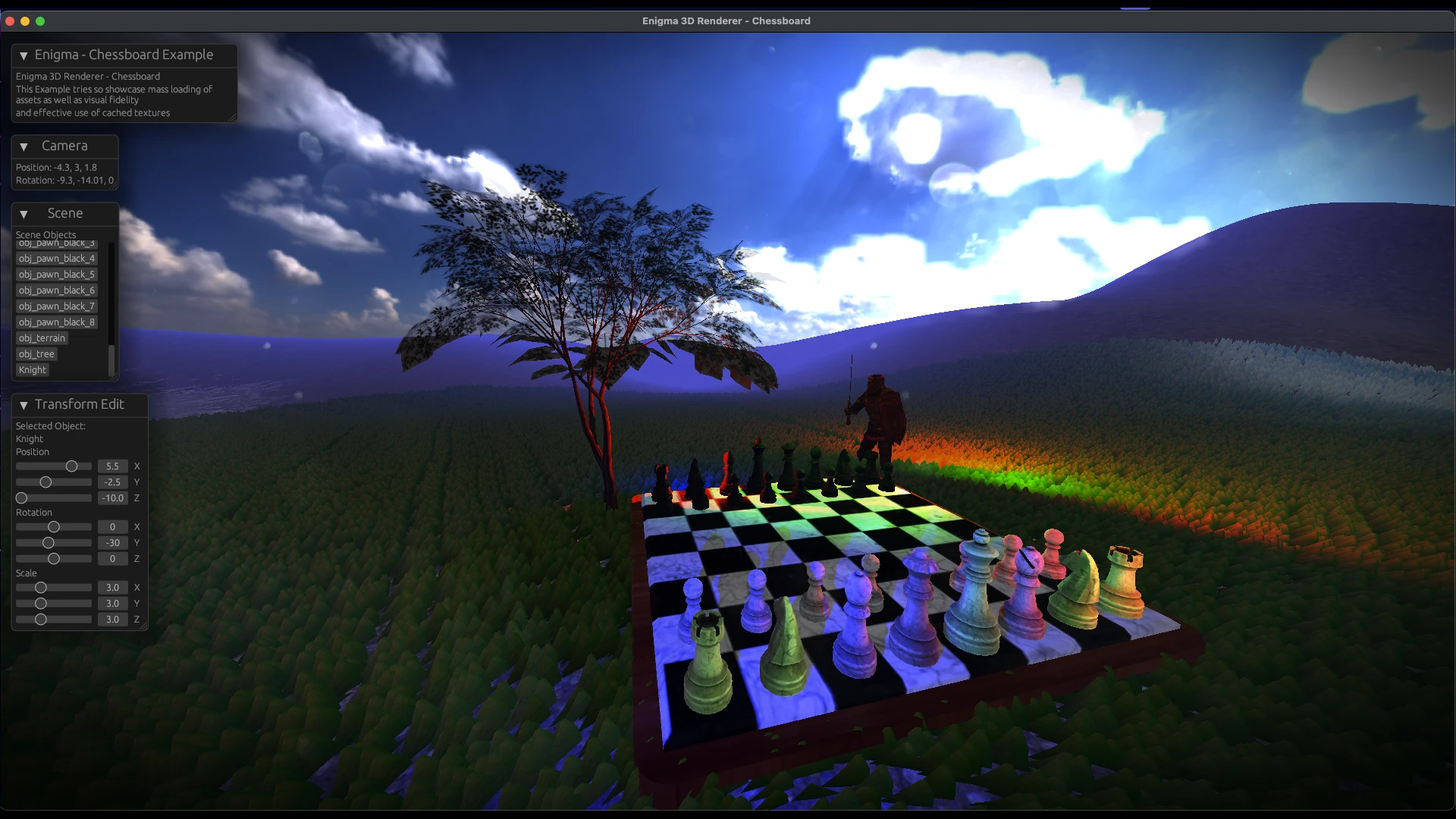
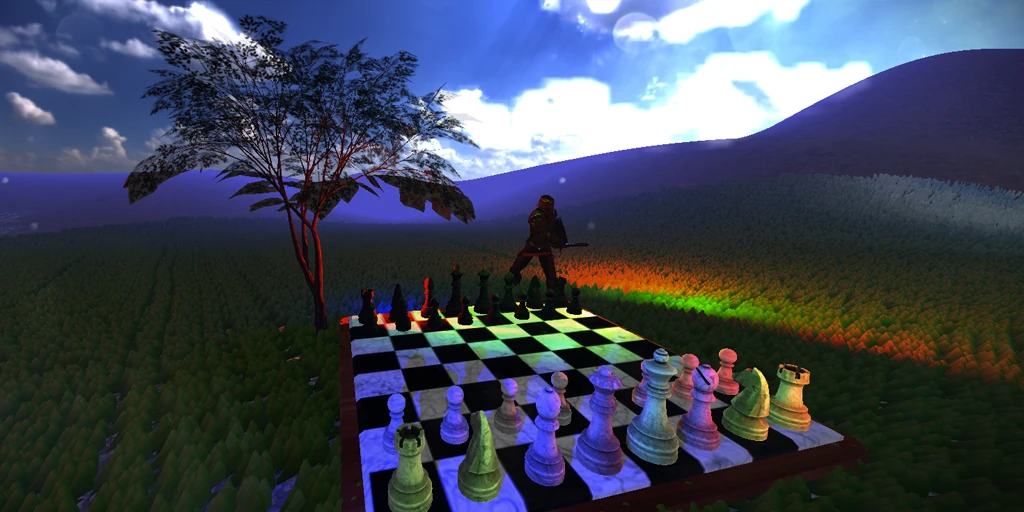
Features
- Model loading from GLTF and OBJ
- Opaque and Transparent rendering
- Material, Shader, Shape, Object Abstractions
- PBR Shading
- 3 Step customizable Render Pipeline: Vertex -> Geometry -> Fragment
- Texturing, Normals, Vertex Colors
- Up to 4 Point or Directional Lights per Objects. As many Lights as one wishes in the Scene
- One Ambient Light
- A Camera
- A simple Event System to inject a generic Function type alongside Keycodes and Keycode-Modifiers into the EventLoop. At the moment events get processes one by one in sequence
- A simple Update system based on either time or delta time, to inject a generic function type into the Update loop. At the moment, functions get processed one by one in sequence
- Screen to World positions
- Raycasting
- Box Colliders
- A default selection system
- A generic Postprocessing system to write postprocessing effects and inject them into the renderloop
- Skybox and sky reflections
- GUI integration (Egui)
- Loading resources from macros to include them into the built application
- Arbitrary Data dictionary within the application, to store and access any kind of data within the game loop
- Serialization and Deserialization of Scene Objects into and from JSON
- Optimization: Cached Textures
- Optimization: Shared Materials
- Optimization: Instanced Objects batched into one Draw call
- Skeletal Animation
- PointLight & Directional Light Shadowcasting for up to 4 lights per object
- CPU Particle System
- A simple Editor written in enigma-3d itself, found here: https://github.com/JeremiasMeister/enigma-engine
Application Setup
A simple application is easy to setup.
First create your rust cargo project with cargo new enigma-project.
Then you would add enigma-3d to your dependencies within the created project with cargo add enigma-3d.
For your main() application entry, define a minimal enigma3d setup as below and run it with cargo run
// minimal enigma3d application main
pub fn main() {
    // create an enigma eventloop and appstate
    let event_loop = enigma_3d::EventLoop::new("Enigma 3D Renderer Window", 1080, 720); // resolution is currently hardcoded on application creation.
    let mut app_state = enigma_3d::AppState::new();

    // create and add a camera to the app state. A camera is necessary to render and for the application to run
    let camera = enigma_3d::camera::Camera::new(Some([0.0, 1.0, 1.0]), Some([20.0, 0.0, 0.0]), Some(90.0), Some(16. / 9.), Some(0.01), Some(1024.));
    app_state.set_camera(camera);

    // run the event loop by feeding it the app state
    event_loop.run(app_state.convert_to_arc_mutex());
}
This should render you the basic enigma3d skybox into a window.
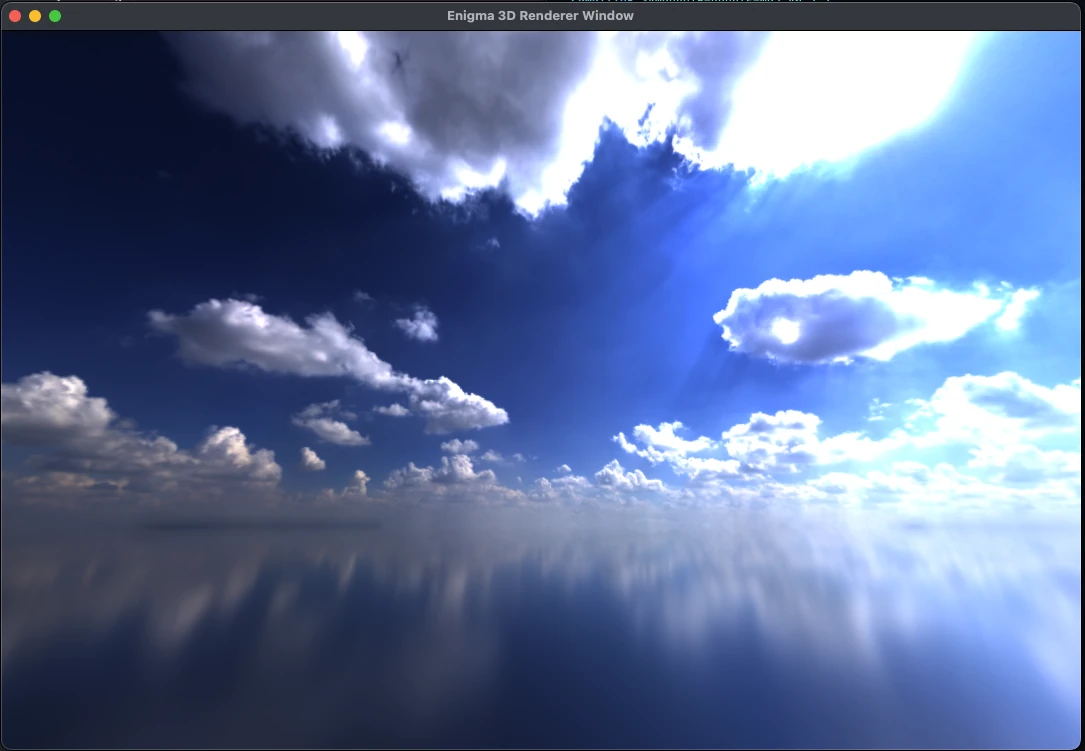
Find more advanced examples on the public GitHub or a released example game here:
Example Game: A first little game, developed with enigma, can be found here: https://github.com/JeremiasMeister/enigma-flappy-bird; keep in mind, it was originally developed with an older version of enigma-3d and will most likely not compile anymore. But you can always checkout the built release for windows.
Links
For an installation guide, please refer to the GitHub repository: you need to compile the project with Rust, and Cargo should be of great help.